AirPods Pro live translation in Spain explained: Apple Intelligence, iOS 26.2, compatible AirPods, offline mode, privacy, limitations and real-life use cases.
Affiliate & Amazon Disclaimer
Some links in this article may be affiliate links.
As an Amazon Associate I earn from qualifying purchases, at no extra cost to you.
I only recommend products and features I genuinely believe are useful.
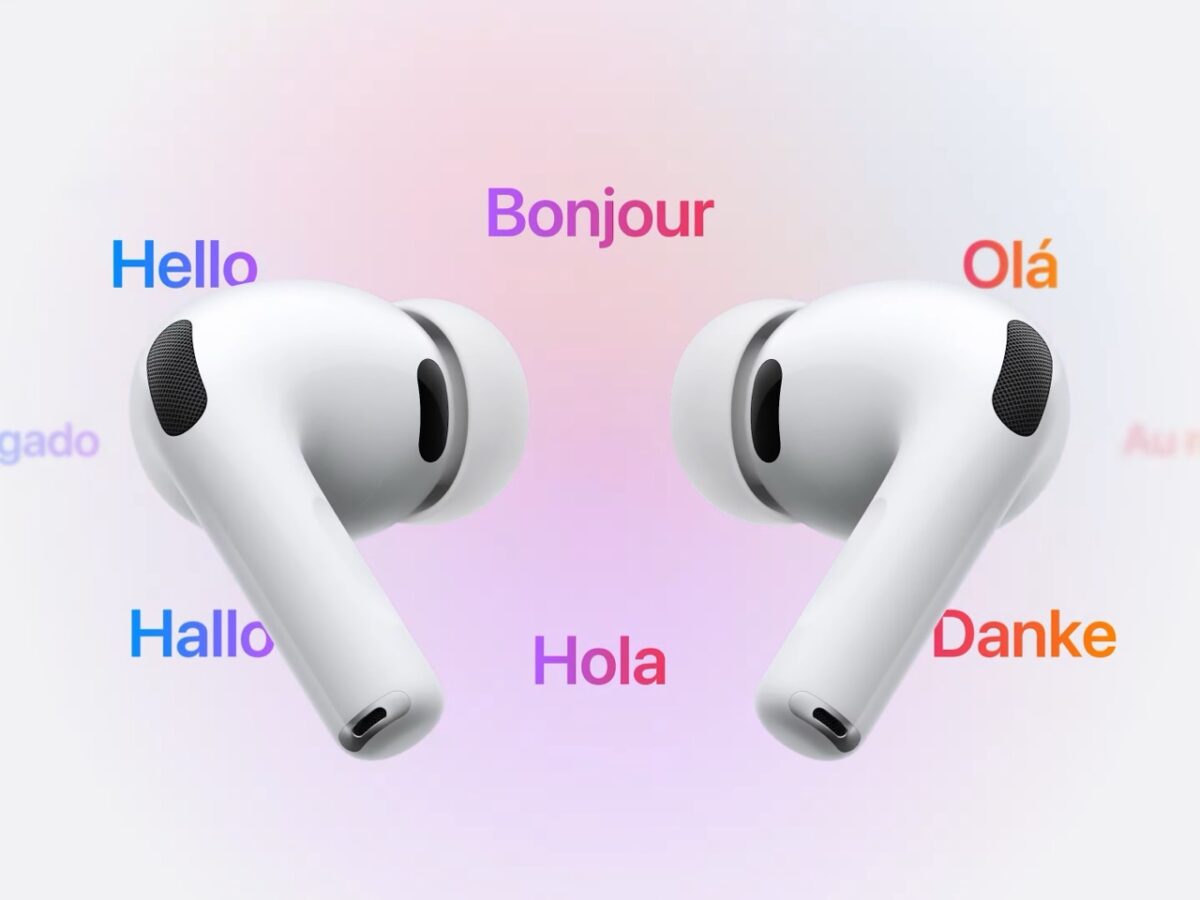
AirPods Pro Live Translation in Spain: How It Works, Requirements and Why Europe Had to Wait
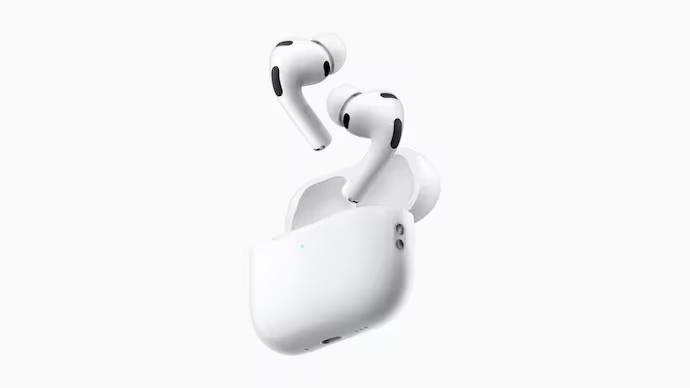
After months of “coming soon” fine print and frustration in Europe, AirPods Pro live translation in Spain is finally real. AirPods Pro Live Translation Spain
Apple’s Live Translation feature, powered by Apple Intelligence and iOS 26, allows your AirPods to translate a conversation in real time directly in your ears. It launched first in the US and other regions, but was blocked across the European Union due to regulatory issues.
Now, according to Xataka and Apple’s own release notes, iOS 26.2 has started to unlock Live Translation in the EU, and Spain is among the first countries to receive it.Xataka+1
That means if you’re in Spain with compatible AirPods and an Apple Intelligence–enabled iPhone, you can finally:
- Hear what another person is saying in Spanish (or another supported language) in real time
- See a live transcription/translation on your iPhone
- Use it offline thanks to on-device processing and downloaded language packsXataka+2Soporte de Apple+2
In this ultra-detailed guide, we’ll break down everything about AirPods Pro live translation in Spain:
- How Live Translation actually works
- Which iPhones and AirPods you need
- How to set it up step by step
- What languages it supports today
- Why the EU got the feature late
- Real-world scenarios where it shines (and where it still feels beta)
Let’s start from the beginning.
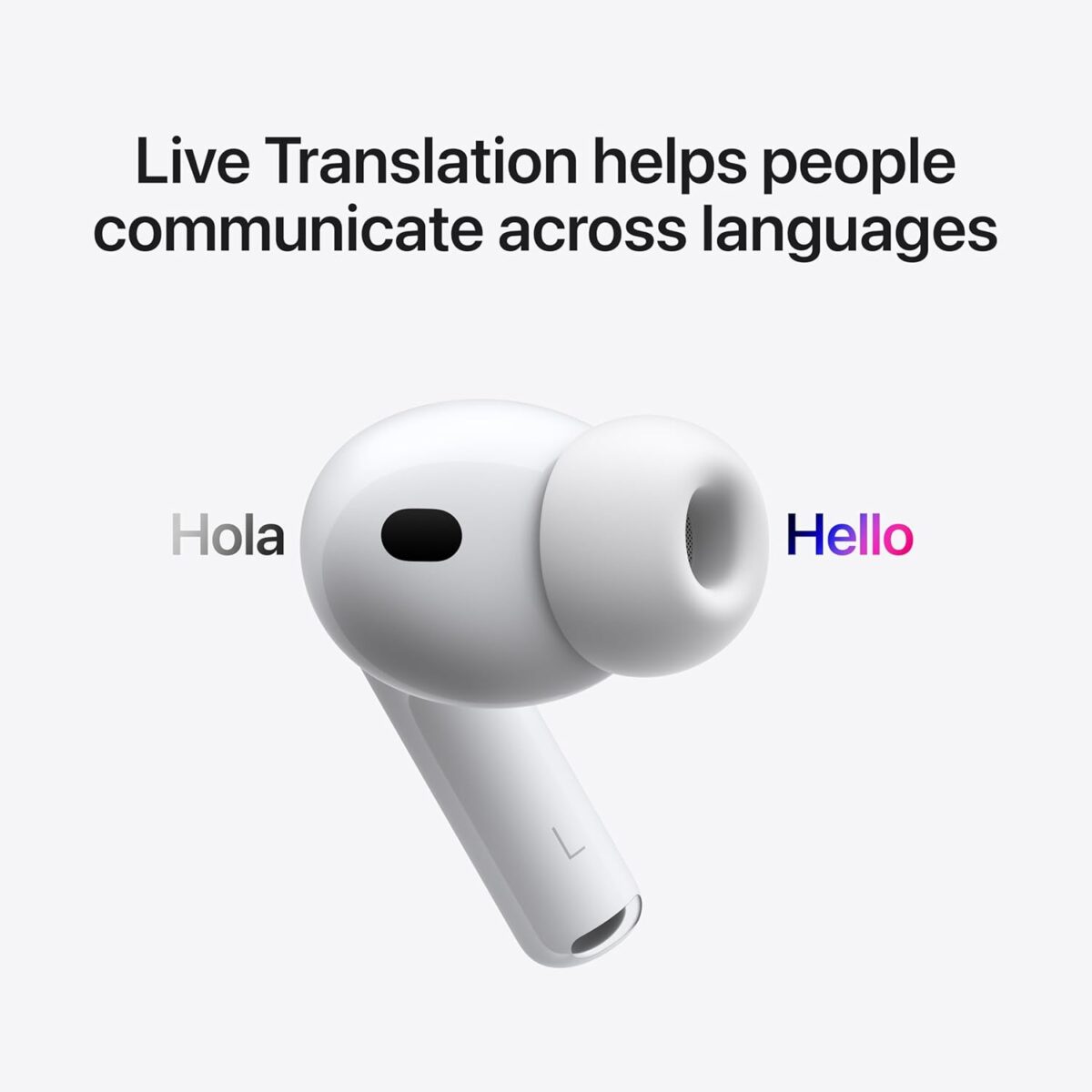
1. What Is Live Translation on AirPods?
Live Translation is a new Apple Intelligence feature that turns your AirPods into real-time translation earbuds.
When enabled, you can:
- Talk to someone in another language
- Hear translated audio in your own language through your AirPods
- Show a live transcript/translation on your iPhone screen for the other person to read
- Use it in in-person conversations, in phone calls and even during FaceTime sessionsApple+2Soporte de Apple+2
Apple describes it like this:
- Live Translation is built into Messages, Phone, FaceTime and the Translate app
- When paired with compatible AirPods, the translated voice is played directly into your ears, while active noise cancellation lowers the original speech volume to make the translation easier to hearApple+1
In short: AirPods Pro live translation turns your earbuds into a personal interpreter that follows you everywhere.
2. Where Is AirPods Pro Live Translation Available Now?
At launch, Apple clearly said Live Translation with AirPods would not be available in the European Union, even though Spanish, French and German were in the supported language list.Soporte de Apple+2Cinco Días+2
The reason? Legal and regulatory friction around Apple Intelligence and on-device AI in the EU.
Fast-forward to now:
- Xataka reports that, after months of delay, Live Translation is finally being deployed in Spain as part of iOS 26.2.Xataka
- MacRumors confirms that iOS 26.2 expands Live Translation on AirPods to EU users, lifting the previous block.MacRumors
So today:
- If you’re in Spain
- Using a compatible iPhone with Apple Intelligence
- And AirPods Pro 2, AirPods Pro 3 or AirPods 4 with ANC
…you should be able to activate AirPods Pro live translation in Spain once you’re on iOS 26.2 (developer or public beta, until the final release arrives).Xataka+2Soporte de Apple+2
3. Compatible AirPods and iPhones for Live Translation in Spain
Before you start tapping menus, you need the right hardware.
3.1 Compatible AirPods Models
Apple’s support documentation and newsroom announcements make it clear that Live Translation with AirPods requires H2-powered models with Active Noise Cancellation:The Verge+3Soporte de Apple+3Soporte de Apple+3
Supported AirPods for Live Translation:
- AirPods Pro 2
- AirPods Pro 3
- AirPods 4 with Active Noise Cancellation (ANC)
Non-ANC AirPods 4, older base AirPods, and AirPods Max are not supported for Live Translation.
That means the focus keyword “AirPods Pro live translation Spain” mainly applies to:
- Users upgrading to AirPods Pro 3
- Current owners of AirPods Pro 2
- And people considering AirPods 4 with ANC
3.2 iPhone Requirements
The other half of the equation is the iPhone:
- Live Translation depends on Apple Intelligence, which only runs on modern, high-end iPhones.
- Apple states that you need an Apple Intelligence–enabled iPhone running iOS 26 or later for Live Translation to work.Soporte de Apple+2Soporte de Apple+2
These are the relevant points:
- You must have iOS 26 with Apple Intelligence enabled.
- For AirPods live translation specifically, you need iOS 26.2 (beta while it rolls out) to unlock the feature in the EU, including Spain.Xataka+1
- Apple Intelligence is limited to newer devices (like iPhone 15 Pro and up), because translations are processed on-device, not in the cloud.Xataka+1
If your iPhone is older and doesn’t support Apple Intelligence, AirPods Pro live translation in Spain won’t activate, even if your AirPods themselves are compatible.
4. How AirPods Pro Live Translation Works (Step by Step)
Let’s walk through a typical real-world flow.
4.1 Enable Apple Intelligence and Live Translation
- Update to iOS 26.2 (or later)
- Go to Settings > General > Software Update and install iOS 26.2 once it appears on your iPhone.
- If it’s still in beta, you’ll need to enroll in Apple’s developer or public beta program (Xataka details this process in their article).Xataka
- Turn on Apple Intelligence
- On your iPhone, go to Settings > Apple Intelligence & Siri and toggle Apple Intelligence on.Soporte de Apple+1
- Connect your AirPods
- Make sure your AirPods Pro 2, Pro 3 or AirPods 4 ANC are paired and connected.
4.2 Download Languages for Offline Use
Live Translation is on-device, which means you download language packs:
- With your AirPods connected, open Settings on your iPhone.
- Tap the menu with the name of your AirPods (under your Apple ID).
- Look for Translation and tap it.
- Choose and download the languages you need (for example, Spanish (Spain) plus English (US/UK), French, German or Portuguese).Xataka+2Soporte de Apple+2
This is key for AirPods Pro live translation in Spain: once languages are downloaded, it works even offline, because everything runs locally on your iPhone.Soporte de Apple+1
4.3 Start a Live Translation Session
You can start Live Translation in several ways:
- Via the Translate app
- Open the Translate app on your iPhone.
- Tap the Live tab at the bottom.
- Set Your language and Their language.
- Tap Start Translation.MacRumors+2Soporte de Apple+2
- Using your AirPods directly
- Press and hold the stem of both AirPods at the same time to start Live Translation.Apple+2Soporte de Apple+2
- Using Siri
- Say: “Siri, start Live Translation” while wearing your AirPods.Apple+1
- Using the Action Button (iPhone 15 Pro and later)
- You can configure the Action button to open the Translate app and jump straight into Live Translation.Apple+2MacRumors+2
Once active:
- You hear the translated version of what the other person says in your AirPods.
- Your iPhone shows a transcript of both sides of the conversation in each language.TechRadar+2MacRumors+2
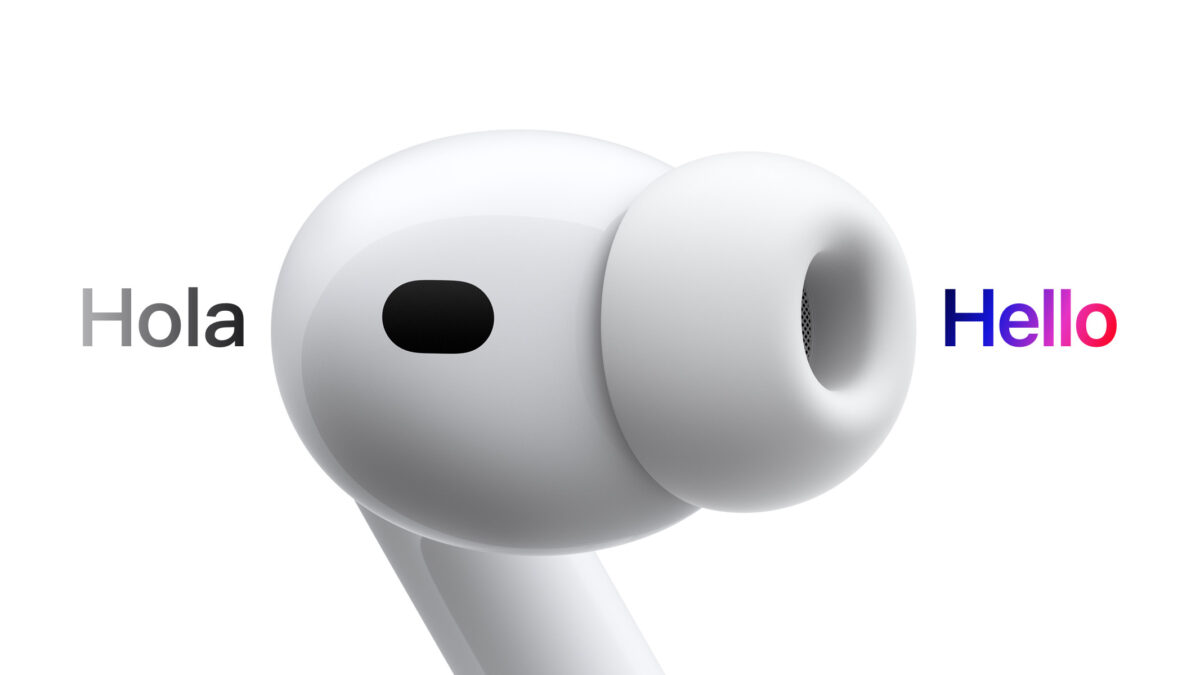
5. What Languages Does AirPods Live Translation Support (Including Spain)?
Apple’s docs say that Live Translation with AirPods currently supports a limited set of languages in beta, with more coming later.Soporte de Apple+2Soporte de Apple+2
5.1 Languages at Launch (Beta)
When Live Translation first rolled out, supported languages included:
- English (US, UK)
- French (France)
- German (Germany)
- Portuguese (Brazil)
- Spanish (Spain)Soporte de Apple+2Soporte de Apple+2
That last one is the big deal for AirPods Pro live translation Spain: you’re not stuck with Latin American variants or mixed accents; there’s a Spanish-of-Spain option.
5.2 Upcoming Languages
Apple has already announced that more languages are on the way, such as:
- Italian
- Japanese
- Korean
- Chinese (likely Simplified)Soporte de Apple+2TechRadar+2
The list will grow over time as Apple Intelligence expands, so Live Translation should become more useful every year.
6. Why Did AirPods Pro Live Translation Take So Long to Reach Spain?
This is where it gets political and regulatory.
When Apple first announced AirPods Pro 3 and Live Translation, they also shipped a cold shower for European users: in the fine print, Apple said the feature was not available in the European Union, even if you imported your AirPods from the US. If your Apple ID region was in the EU and you were physically in the EU, Live Translation was blocked.Xataka+2MacRumors+2
Why?
- Officially, Apple referred to regulatory and bureaucratic reasons, without going into detail.Xataka+1
- Analysts and European tech media connected the dots with the EU AI Act, GDPR, and ongoing pressure around Apple Intelligence and on-device data processing.Cinco Días+1
This wasn’t the first time Europe had to wait:
- Apple Intelligence itself was announced in 2024 but didn’t fully arrive in Spain and Spanish until iOS 18.4 in March 2025.Xataka
- Some advanced Siri features are still delayed in the EU and may not show up until 2026.Xataka+1
The pattern:
- Apple launches a flashy AI feature in the US.
- EU regulators raise questions about data, privacy and compliance.
- Apple temporarily disables or limits the feature in EU countries.
- Months later, after internal adjustments and regulatory discussions, the feature gradually comes online in Europe.
Live Translation followed exactly that script. The good news: with iOS 26.2, that regulatory freeze finally thawed, and AirPods Pro live translation is now rolling out in Spain.
7. Privacy and Offline Mode: Why On-Device Matters
One of the biggest selling points Apple makes for Live Translation is privacy.
Apple’s own support pages emphasize that:
- When you use Live Translation in Messages, Phone, FaceTime and with AirPods, the processing happens entirely on-device as part of Apple Intelligence.
- That means your real-time conversation audio doesn’t need to be sent to Apple’s servers for translation.Soporte de Apple+2Soporte de Apple+2
For AirPods Pro live translation in Spain, that has three huge implications:
- Regulatory compatibility
- On-device processing helps Apple comply with stricter EU rules on data protection and AI usage, since there’s less personal data flowing through the cloud.
- Offline translation
- Once you’ve downloaded language packs, Live Translation can function even with no internet connection, perfect for travel or patchy coverage.Xataka+2Soporte de Apple+2
- Latency and reliability
- On-device processing reduces delay and doesn’t depend on your network speed, which is critical for natural conversations.
In practice, this means that if you’re in Madrid and you’re talking to someone in English, you can:
- Use your AirPods Pro live translation feature
- Hear a near-instant Spanish translation in your ear
- And keep the entire conversation under your control, without needing cloud servers for every sentence.

8. Real-Life Use Cases for AirPods Pro Live Translation in Spain
Now the fun part: where does AirPods Pro live translation Spain make a real difference?
8.1 Travel and Tourism
You’re in Spain, but you frequently travel or host visitors. Live Translation can help you:
- Talk to tourists in English, French or German if your Spanish is better than theirs.
- Travel abroad (France, Germany, Portugal, the UK, the US, Brazil) and bridge language gaps with a tap.
Imagine:
- You ask a question in Spanish.
- Your iPhone and AirPods translate it to English and show the text to the other person.
- When they reply in English, your AirPods feed you the Spanish translation.
It won’t replace professional interpreters, but for restaurants, taxis, hotels and basic conversations, it’s more than enough.
8.2 Erasmus, Expats and International Friend Groups
If you live in Spain with friends or roommates from different countries:
- You can communicate more comfortably while everyone still speaks their native language.
- Live Translation helps with complex topics where your basic language skills fall short: contracts, medical appointments, local bureaucracy, etc.
It also doubles as a language-learning support tool: you hear both the original and the translation and can start spotting patterns and vocabulary.
8.3 Business Meetings and Networking
For professionals:
- Live Translation with AirPods Pro is ideal for quick meetings, networking events, and initial calls with foreign clients.
- Instead of waiting for a translator or relying solely on English, you can mix languages and let the system patch the gaps.
It’s not perfect, and for legal or financial documents you still need human translators, but for early business conversations, AirPods Pro live translation in Spain is a powerful ice-breaker.
8.4 Education and Conferences
Think about:
- Taking classes or workshops in a language you don’t fully master.
- Attending conferences, talks or meetups with international speakers.
As long as audio quality is decent, Live Translation can help you follow the meaning of what’s being said while your AirPods lower the original voice and overlay the translation.Apple+2The Verge+2
9. AirPods Live Translation vs Google Translate, Pixel Buds & Other Solutions
Live Translation won’t exist in a vacuum. How does AirPods Pro live translation Spain compare to other tools?
9.1 Google Translate / Apple Translate on Phone
Pros of phone-only solutions:
- Support more languages and dialects.
- Work on a wider range of devices.
- Already familiar to many people.
What Live Translation + AirPods adds:
- Hands-free experience: no need to constantly look at your phone.
- Audio directly in your ears, private and easy to follow.
- Better for chaotic environments (streets, events, trains).
- Deep integration with Messages, Phone and FaceTime on iOS 26.Soporte de Apple+1
9.2 Pixel Buds and Other Translation Earbuds
Google has experimented with real-time translation in Pixel Buds for years, using Google Assistant and Google Translate. Other brands offer similar ideas.
Where AirPods Pro live translation stands out:
- On-device AI via Apple Intelligence with a strong privacy story.Soporte de Apple+1
- Tight integration with Apple ecosystem (iPhone, iPad, Mac in the future).
- Seamless use in phone calls and FaceTime, not just face-to-face conversations.Apple+2Soporte de Apple+2
On the other hand:
- Apple’s system is limited to a small set of languages for now.
- Requires newer, more expensive hardware (H2 AirPods + Apple Intelligence iPhone).
If you already live inside the Apple ecosystem and you’re in Spain, this AirPods Pro live translation Spain rollout is a big deal. If you’re on Android or prefer cheaper buds, other options may still make more sense.
10. Pros and Cons of AirPods Pro Live Translation in Spain
10.1 Advantages
- ✅ Finally available in Spain and the EU after months of regulatory delay.Xataka+1
- ✅ Works offline thanks to downloadable language packs and on-device processing.Xataka+2Soporte de Apple+2
- ✅ Deeply integrated into Messages, Phone, FaceTime and the Translate support app.
- ✅ Compatible with multiple AirPods models (Pro 2, Pro 3, AirPods 4 ANC), not just the newest ones.
- ✅ Uses Active Noise Cancellation to reduce the original voice and highlight the translation, making it easier to follow.Apple+2The Verge+2
- ✅ Strong privacy narrative: translations run on your device, not in the cloud.
10.2 Limitations
- ❌ Requires top-tier iPhones with Apple Intelligence (e.g., iPhone 15 Pro or newer), so older users are left out.Soporte de Apple+1
- ❌ Still in beta (iOS 26.2), so there may be bugs and occasional weird translations.Xataka+2Soporte de Apple+2
- ❌ Language support is limited: only a handful of languages for now, even though more are promised.Soporte de Apple+2Soporte de Apple+2
- ❌ Not suited for legal, medical or highly sensitive conversations without human interpreters.
- ❌ Relies on good audio input; noisy environments, accents and fast speech still challenge AI translators.
11. Which AirPods Should You Buy Now That Live Translation Works in Spain?
If you’re thinking about updating your earbuds specifically to use AirPods Pro live translation Spain, here’s a simple decision guide:
11.1 You Want the Best Overall: AirPods Pro 3
- Apple’s newest Pro model with “world’s best ANC” (according to Apple), improved fit and a new health sensor.The Verge+2Xataka+2
- Live Translation is one of its flagship features, and Apple will likely optimize for it first.
- Ideal if you want everything: top-tier ANC, Spatial Audio, new fitness features and live translation.
11.2 You Own AirPods Pro 2 Already
Good news:
- Live Translation is not exclusive to AirPods Pro 3. It also works on AirPods Pro 2 once they’re on the latest firmware and paired with an iOS 26.2 iPhone.Xataka+2Soporte de Apple+2
If your Pro 2 still have good battery life and fit you well, you don’t need to upgrade just for AirPods Pro live translation in Spain.
11.3 Budget-Conscious: AirPods 4 with ANC
If you:
- Don’t need the full Pro package
- Still want ANC and Live Translation support
…AirPods 4 with Active Noise Cancellation offer a more affordable entry point, as long as you’re satisfied with their fit and sound.Soporte de Apple+2TechRadar+2
Whichever you choose, remember to:
- Check that your iPhone is Apple Intelligence–compatible
- Update to iOS 26.2 or later
- Download the Spanish and other language packs you need
That’s the combo that unlocks AirPods Pro live translation in Spain.
12. Tips to Get the Best Experience with Live Translation
To make the most of this feature:
- Speak clearly and naturally
- Don’t shout; just articulate. AI models understand calm, clear speech better than rushed sentences.
- Reduce background noise where possible
- Active Noise Cancellation helps, but extremely loud environments still make transcription and translation harder.
- Give a short pause between sentences
- This gives Live Translation time to process and play back the translated audio without overlapping too much.
- Check your language pair and direction
- Make sure “Your language” and “Their language” are set correctly in the Translate app before starting.Soporte de Apple+2MacRumors+2
- Have a backup plan
- For high-stakes conversations (contracts, medical visits), use Live Translation as support, not the only tool. Bring printed translations or a human interpreter when possible.
13. FAQ – AirPods Pro Live Translation Spain
Is AirPods Pro live translation available in Spain now?
Yes. With iOS 26.2, Apple is enabling live translation on compatible AirPods in the EU, and Spain is included. The feature had been blocked due to regulatory reasons but is now rolling out as part of the latest beta and upcoming stable update.Xataka+2MacRumors+2
Which AirPods work with Live Translation?
Live Translation works on:
- AirPods Pro 2
- AirPods Pro 3
- AirPods 4 with Active Noise Cancellation
They must be updated to the latest firmware and paired with an Apple Intelligence–enabled iPhone running iOS 26 or later.Soporte de Apple+2Soporte de Apple+2
What iPhone do I need for AirPods Pro live translation in Spain?
You need an Apple Intelligence–compatible iPhone (for example, iPhone 15 Pro or newer, depending on Apple’s final list) running iOS 26, and specifically iOS 26.2 to get Live Translation in the EU. Then you must enable Apple Intelligence in Settings > Apple Intelligence & Siri.MacRumors+3Soporte de Apple+3Soporte de Apple+3
Does Live Translation with AirPods work offline?
Yes. Live Translation with AirPods runs on-device and supports offline usage once you’ve downloaded the necessary language packs (like Spanish, English, French, German, Portuguese). That’s especially useful for travel, metro, airplanes or areas with poor coverage.Soporte de Apple+3Soporte de Apple+3Soporte de Apple+3
Is my data safe when I use Live Translation?
Apple emphasizes that Live Translation is an Apple Intelligence feature that processes conversations locally on your device for Messages, Phone, FaceTime and AirPods. That design helps limit how much conversation data ever leaves your phone and makes it easier for Apple to comply with strict regulations in places like the EU and Spain.Soporte de Apple+2Soporte de Apple+2
Is Live Translation perfect, or should I still learn languages?
Live Translation is incredibly impressive, but it’s not magic:
- It can mis-hear, mis-translate, or struggle with slang, heavy accents and noisy environments.
- It’s not a replacement for learning languages; it’s a bridge that helps you communicate while you’re still learning or in urgent situations.
Think of AirPods Pro live translation in Spain as the best assistant you’ve ever had for cross-language conversations—not as a substitute for real cultural and language understanding.
Bottom line:
After a frustrating delay, AirPods Pro live translation in Spain is finally here. If you have AirPods Pro 2 or 3 (or AirPods 4 ANC) plus an Apple Intelligence–enabled iPhone running iOS 26.2, you can now turn your earbuds into a personal interpreter that works offline, respects your privacy and integrates deeply into the Apple ecosystem.
For travellers, expats, Erasmus students, international professionals and language nerds in Spain, this is one of the most exciting AirPods updates in years.
YOU MIGHT LIKE TO READ!
🔥 Join 120,000+ Smart Shoppers!
Get exclusive gadget deals, viral Amazon finds and tech reviews before they trend. Only the best — straight to your inbox every week 🚀